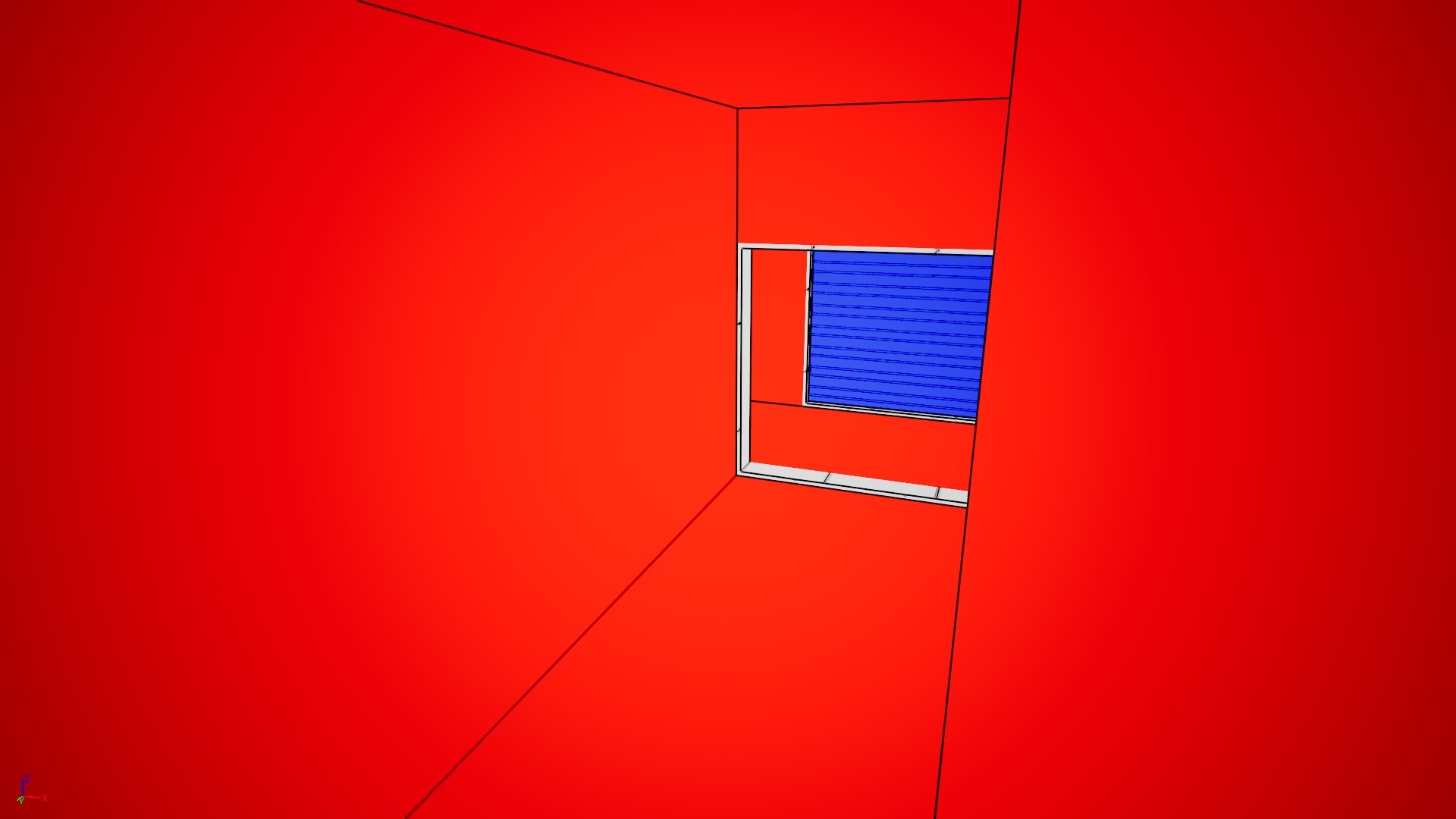
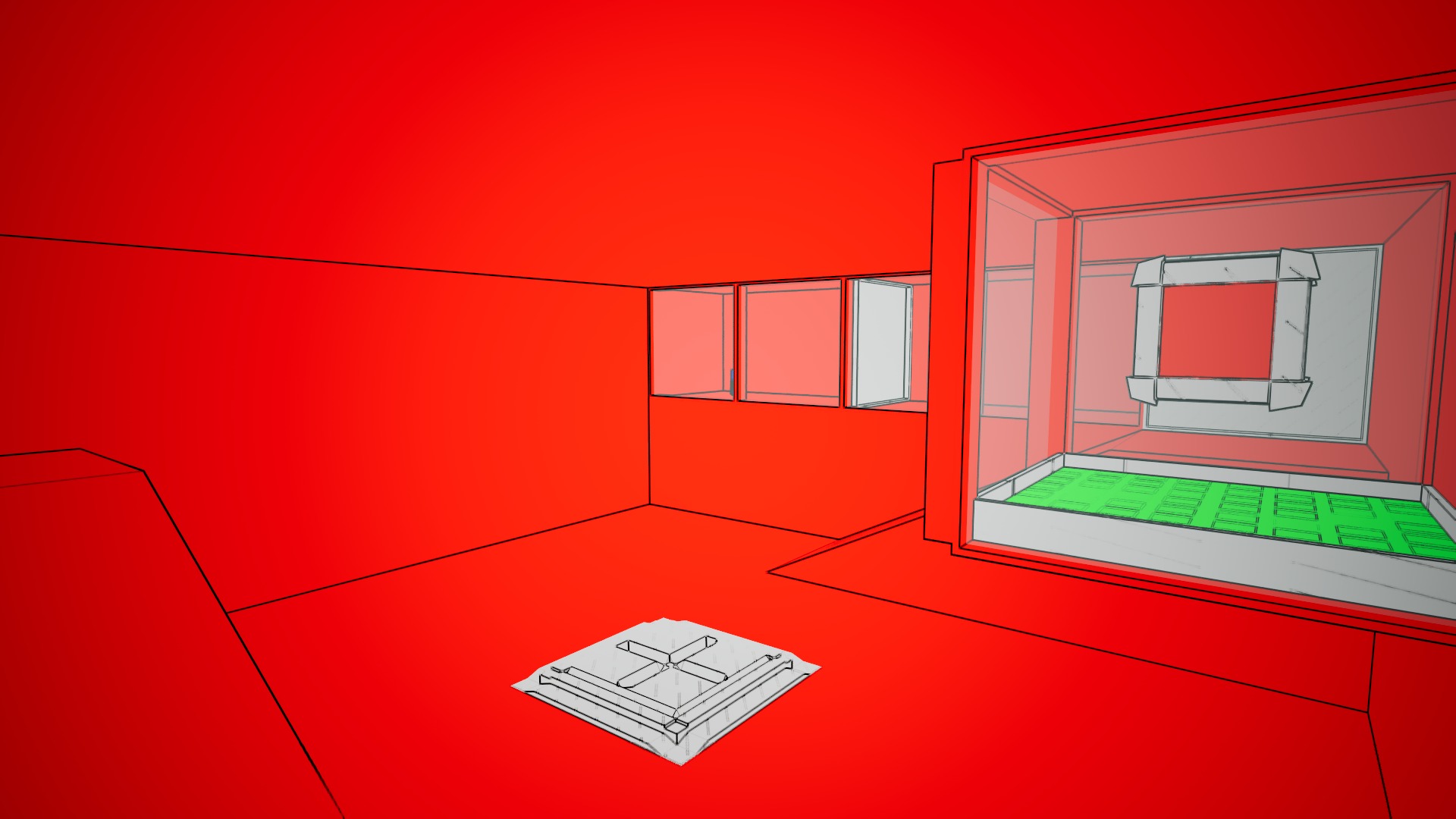
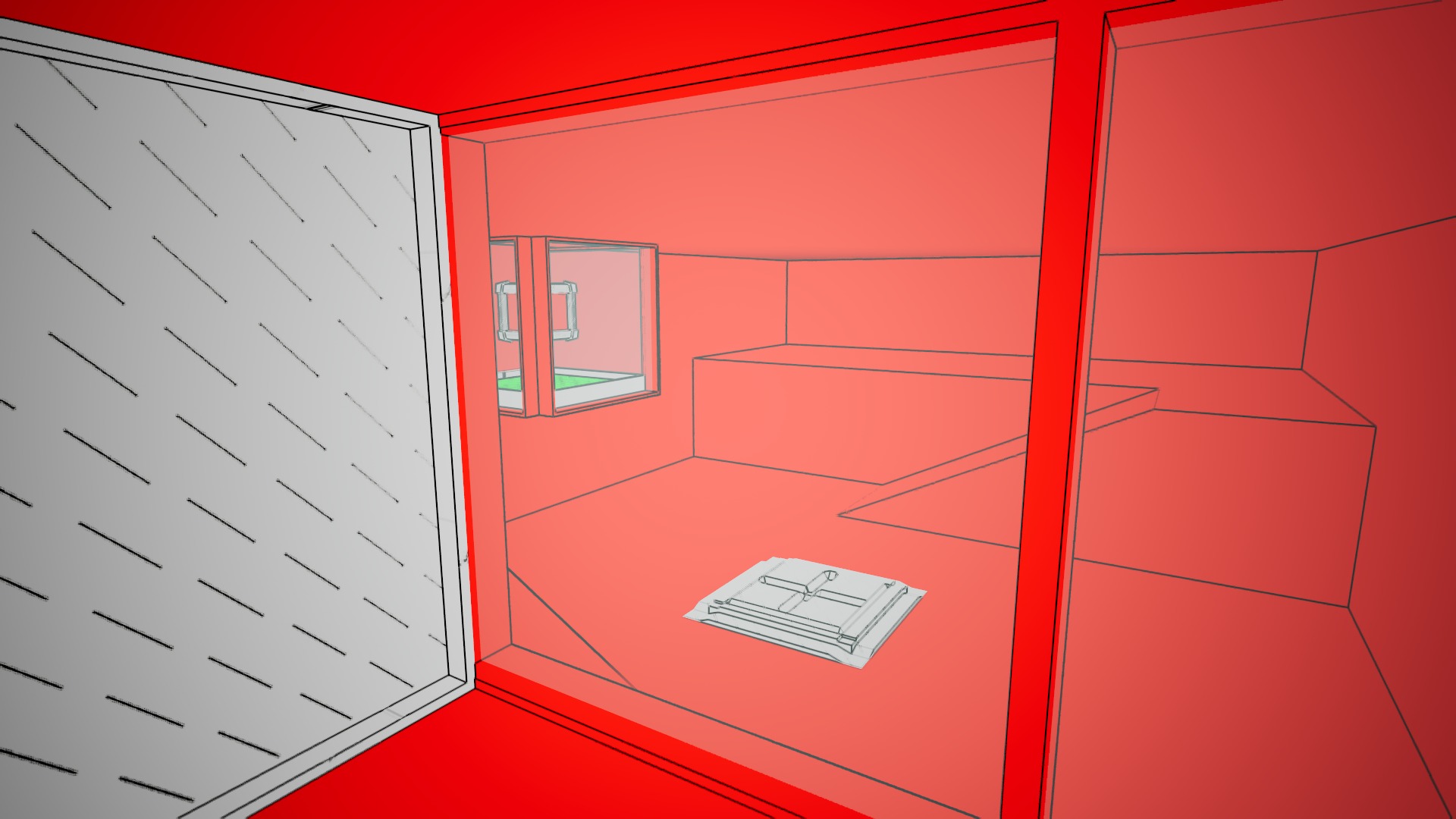
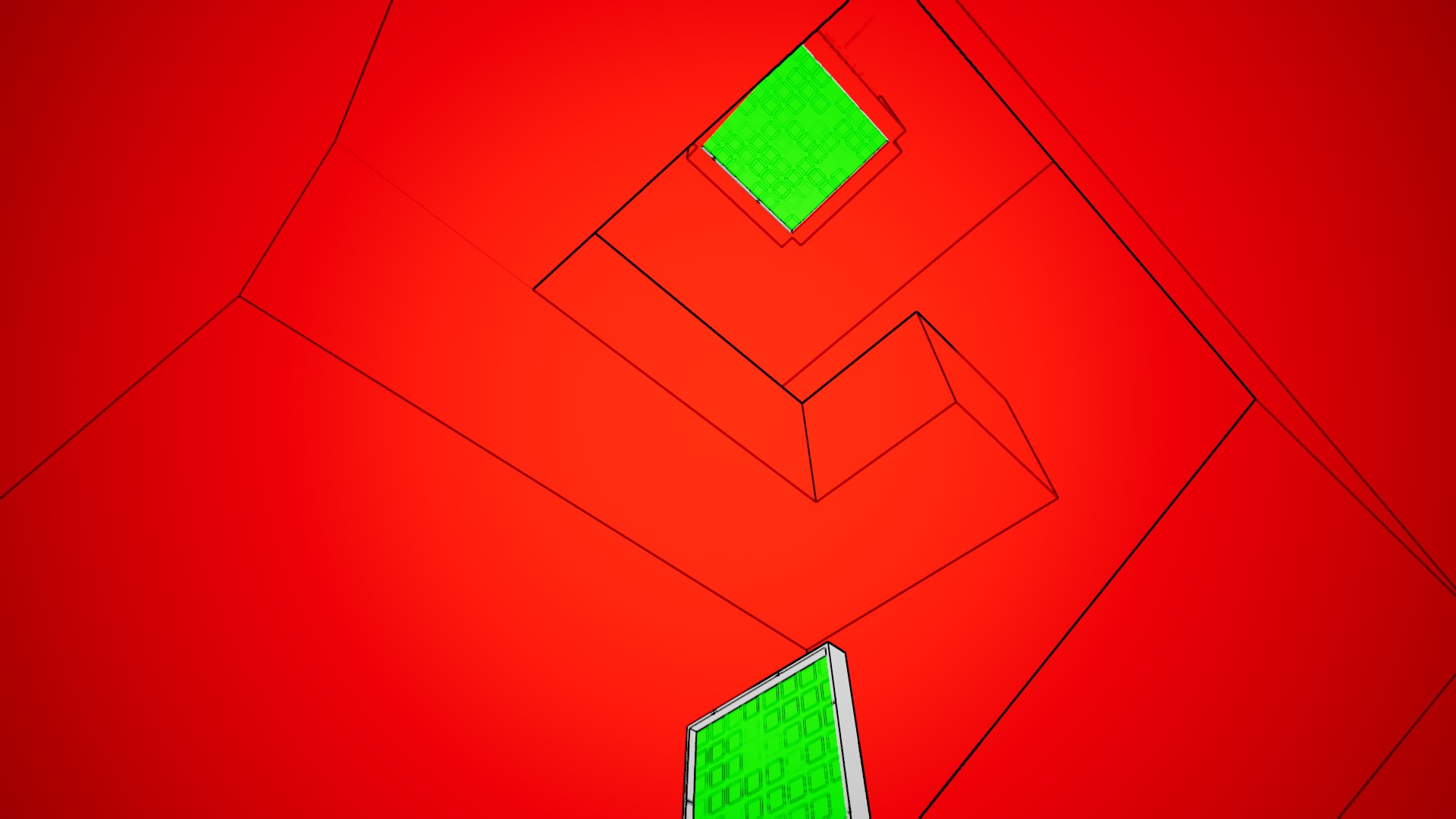
Opacity Mask

Game Jam | Portfolio

1 February 2026

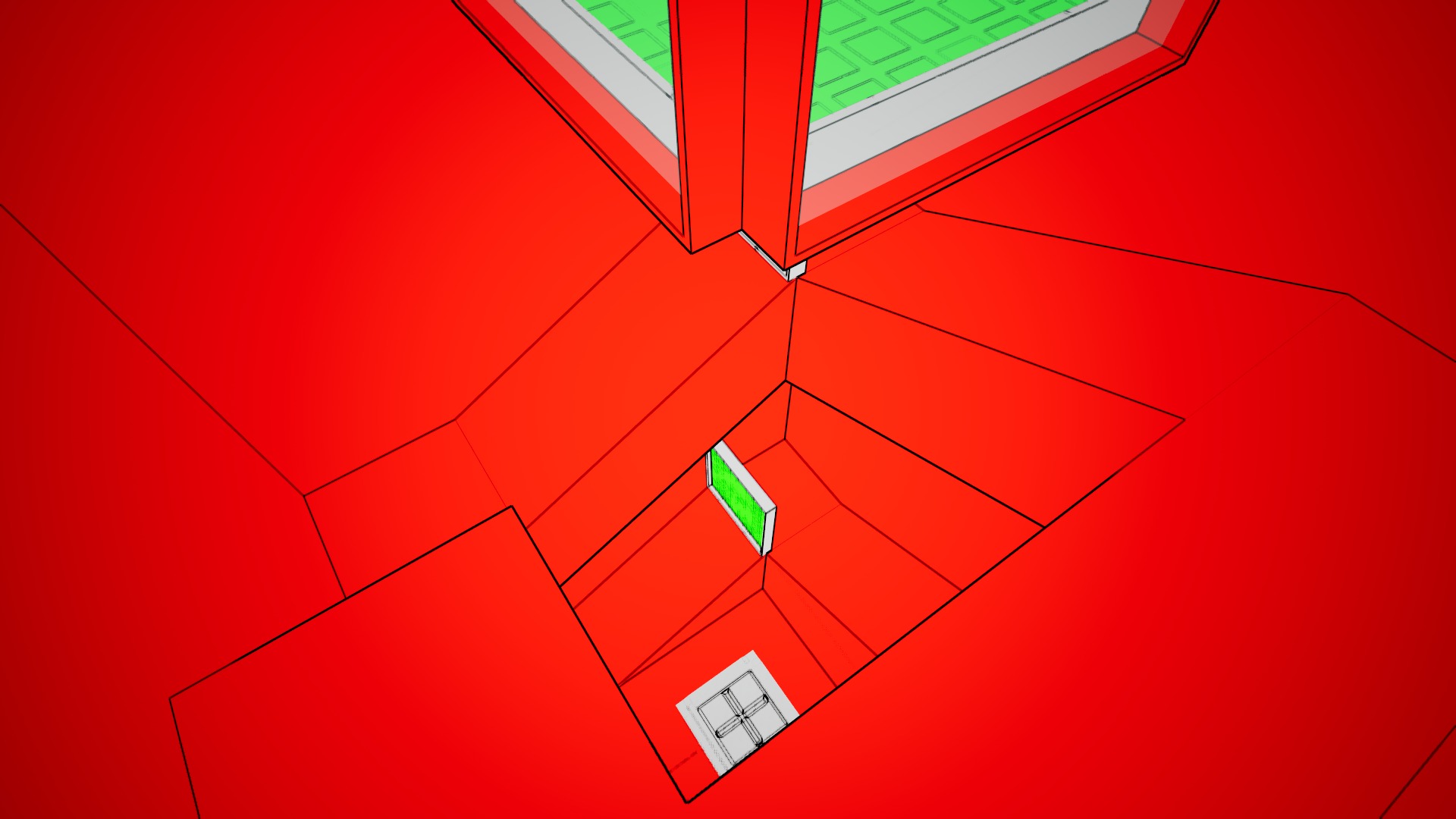
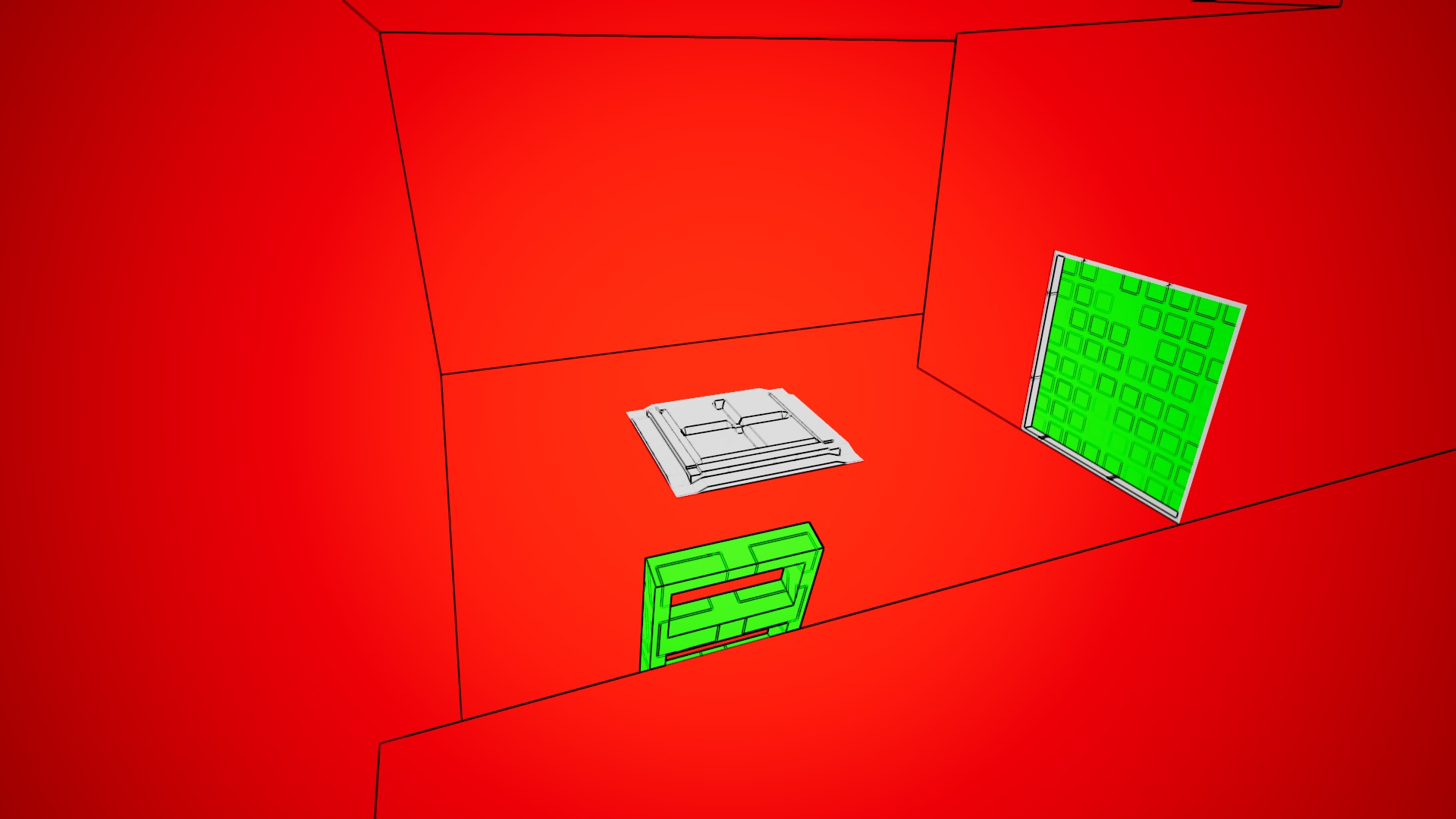
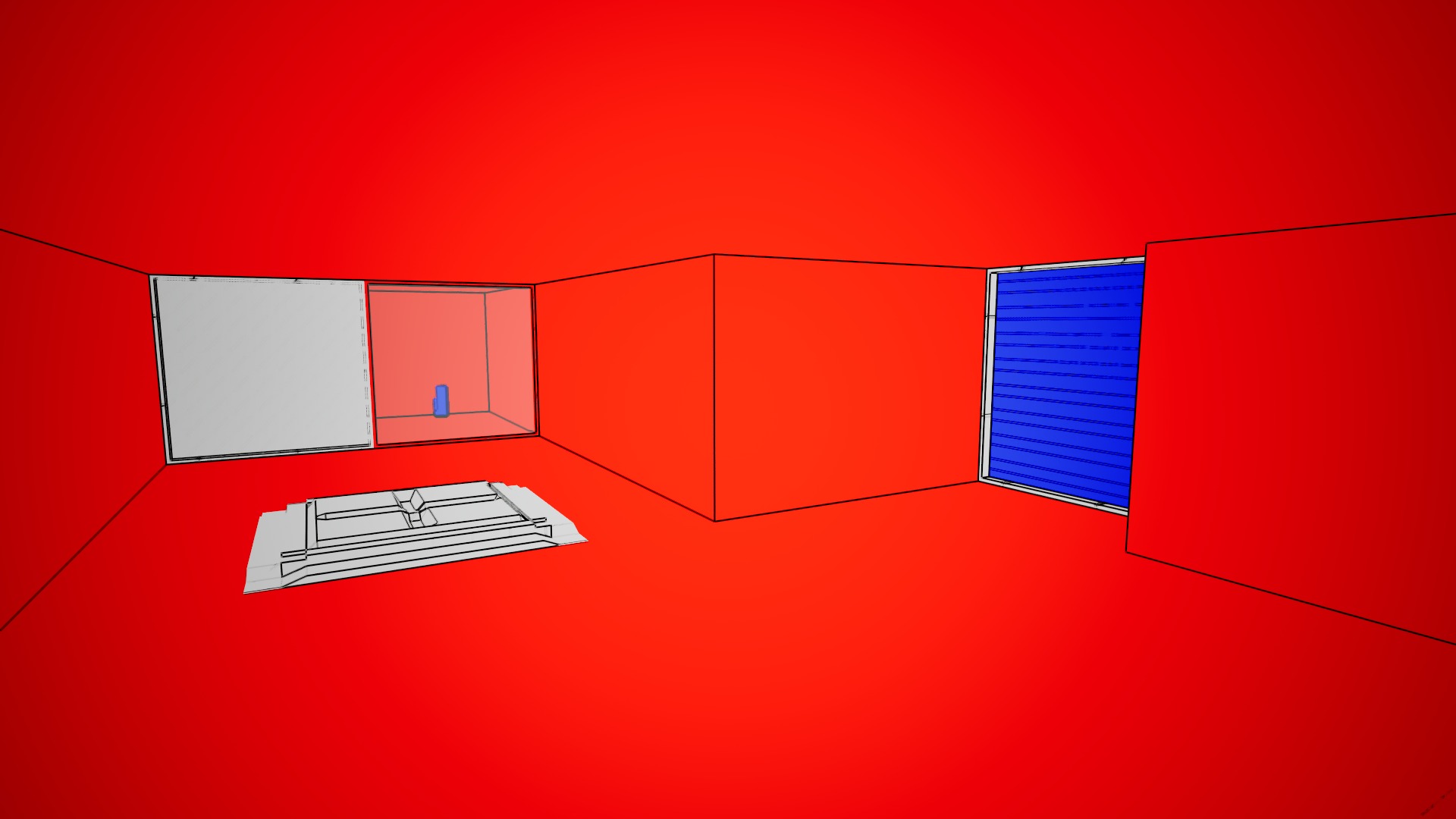
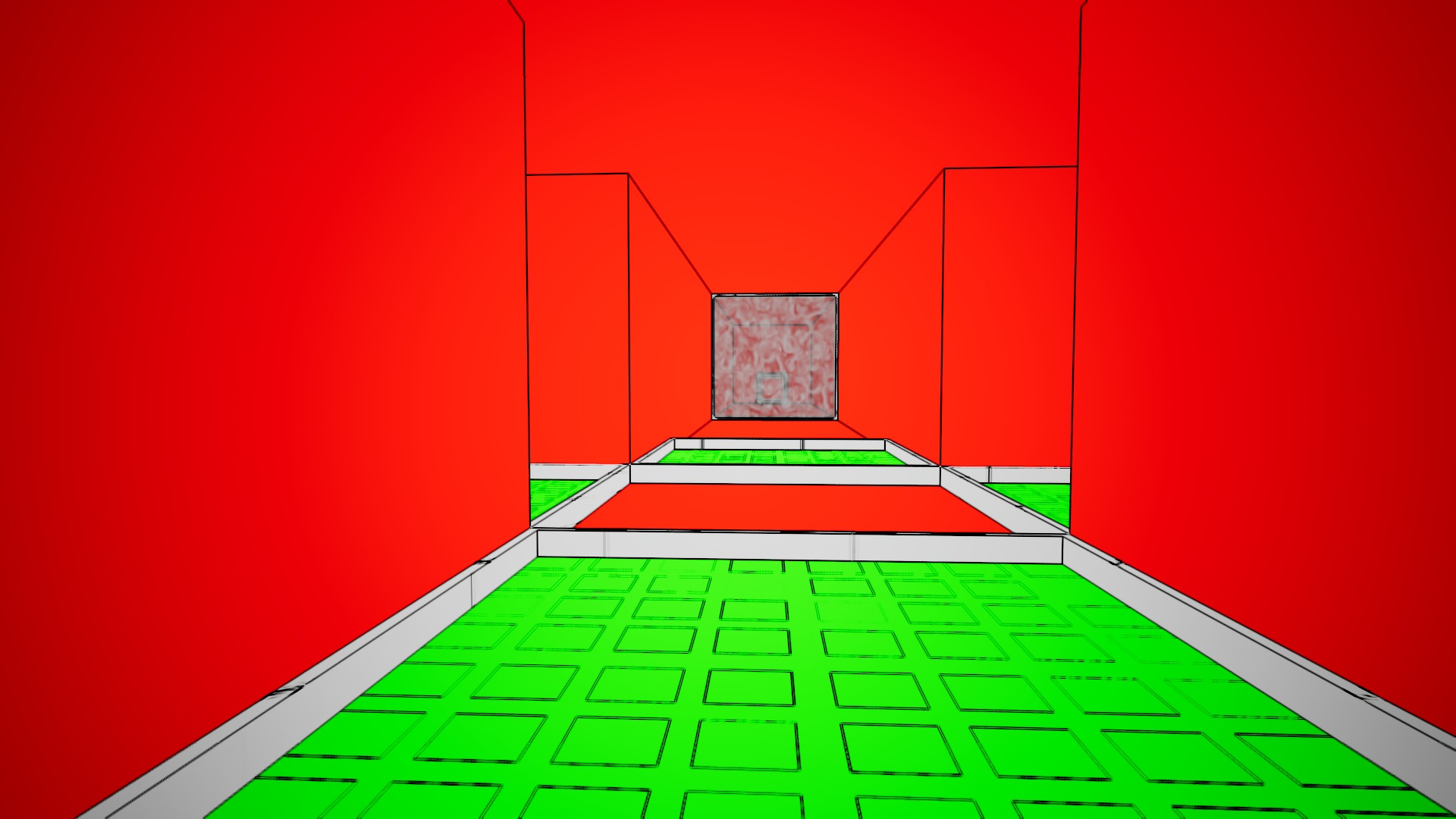
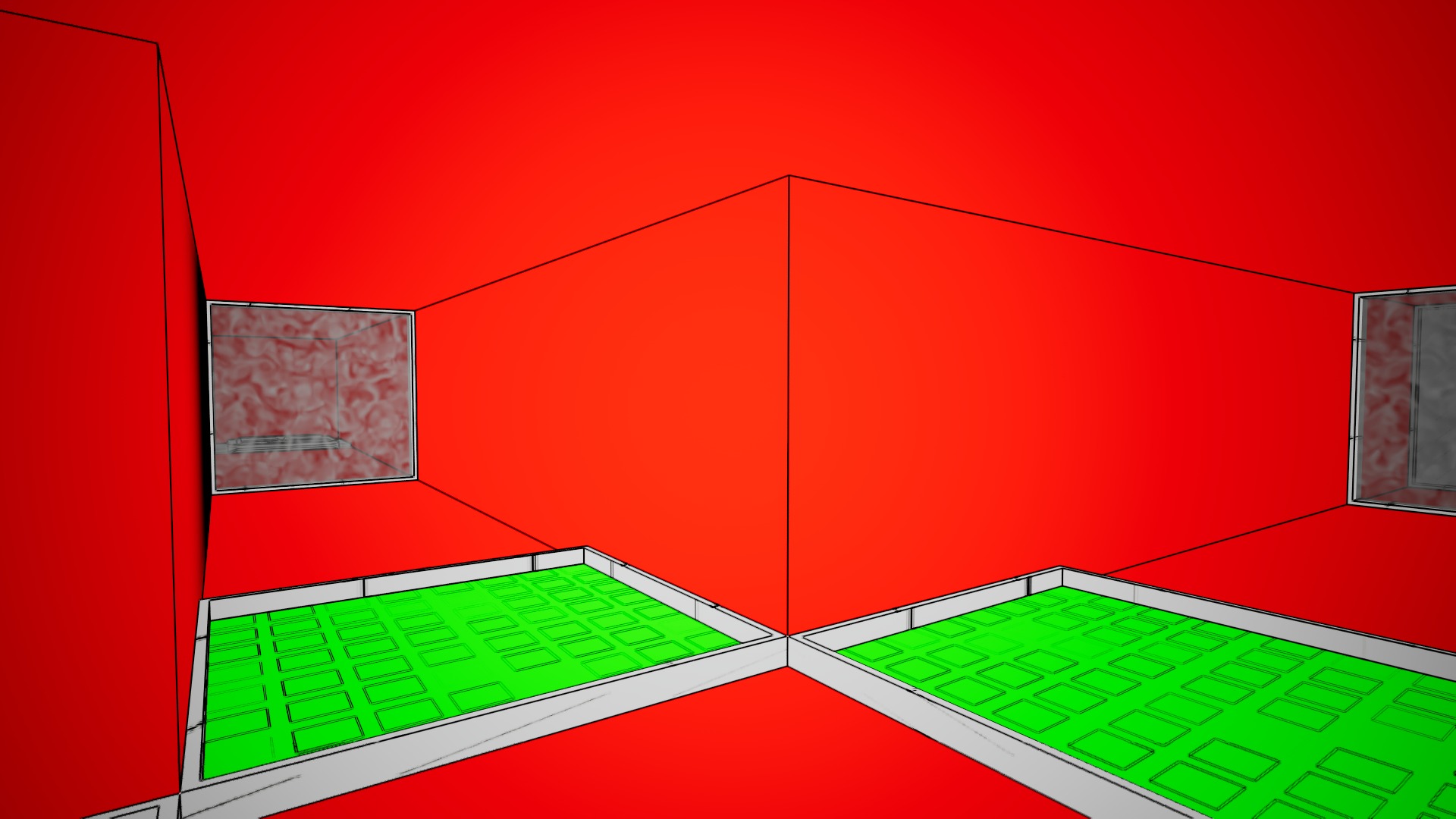
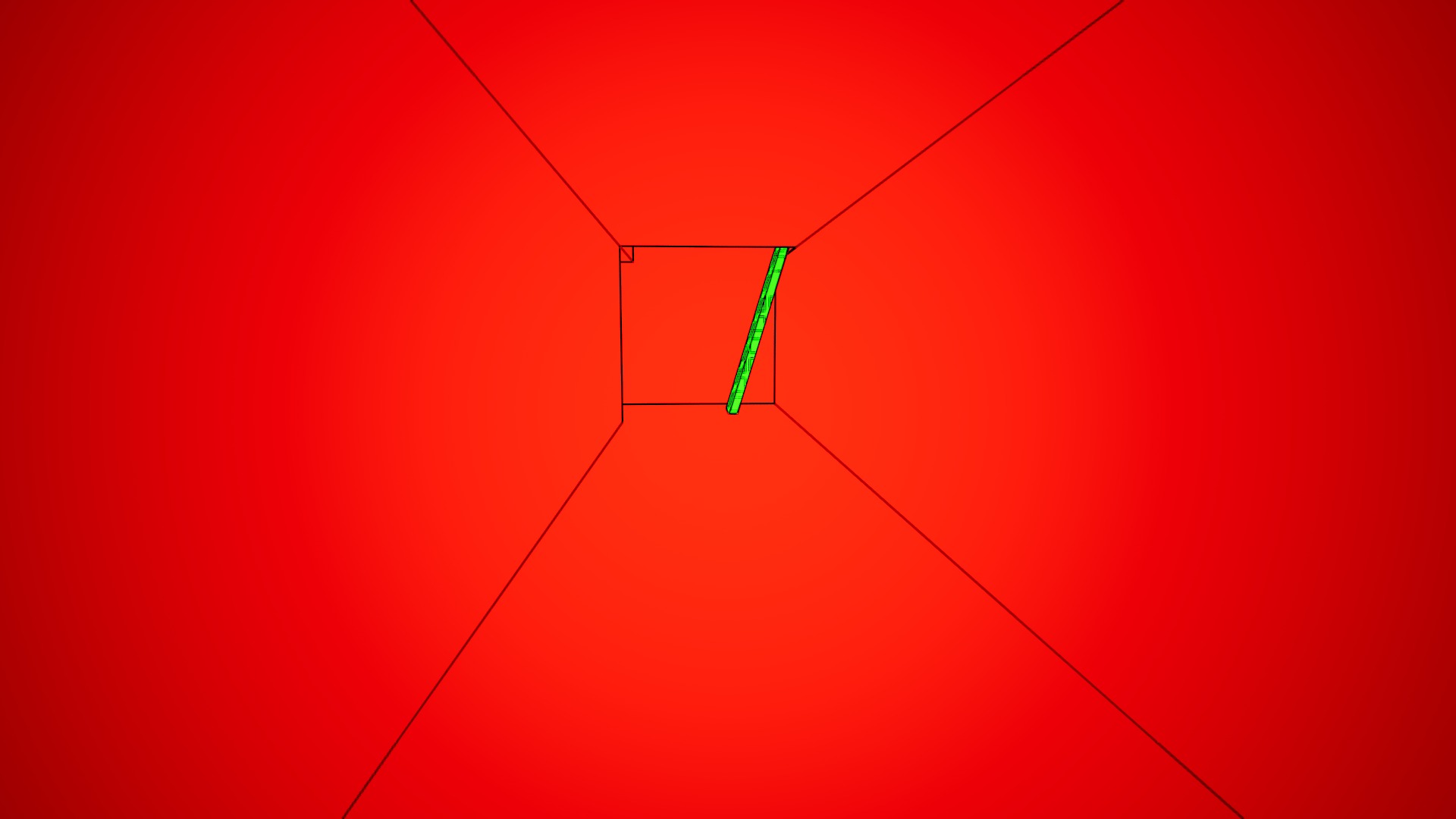
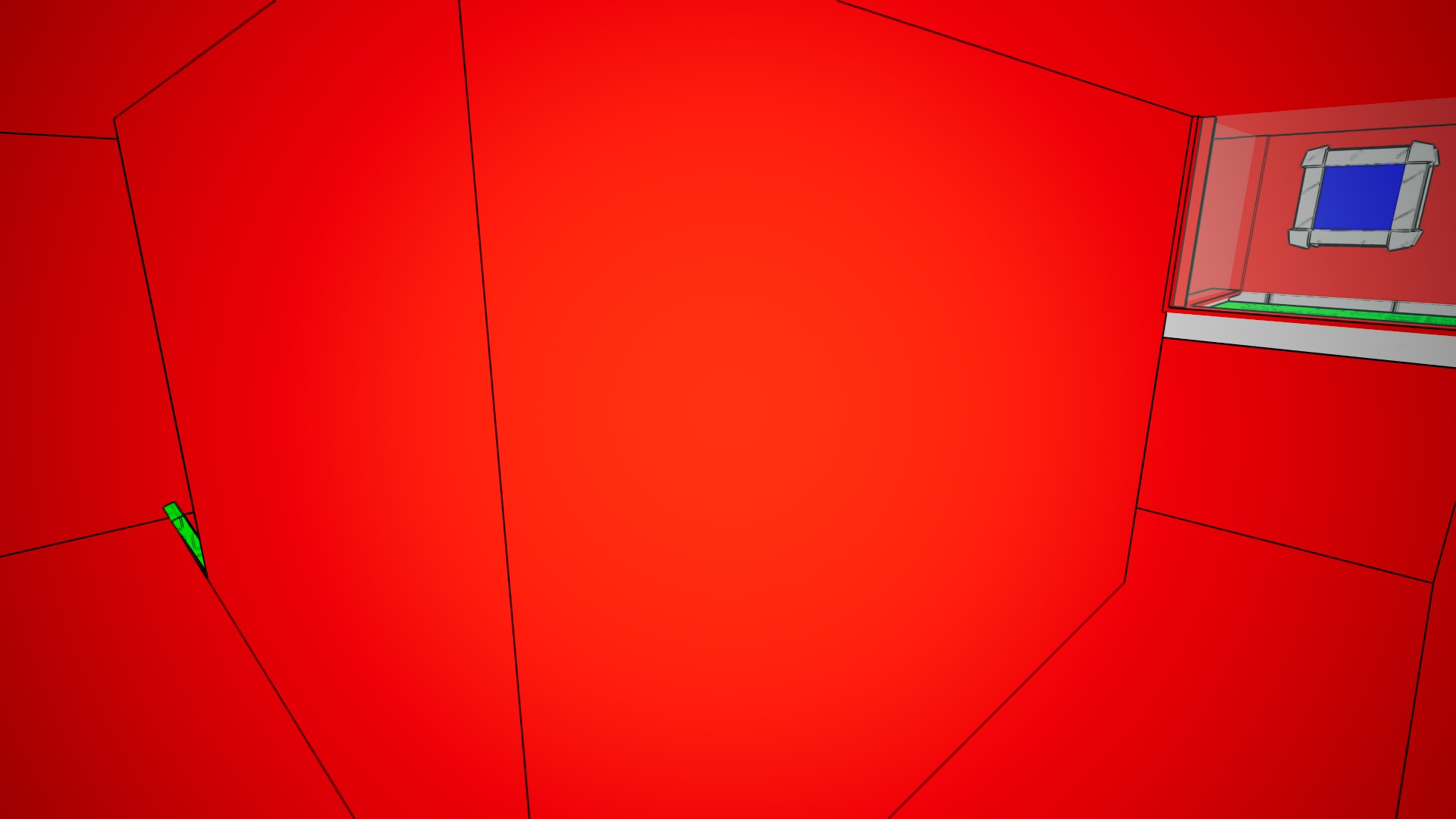
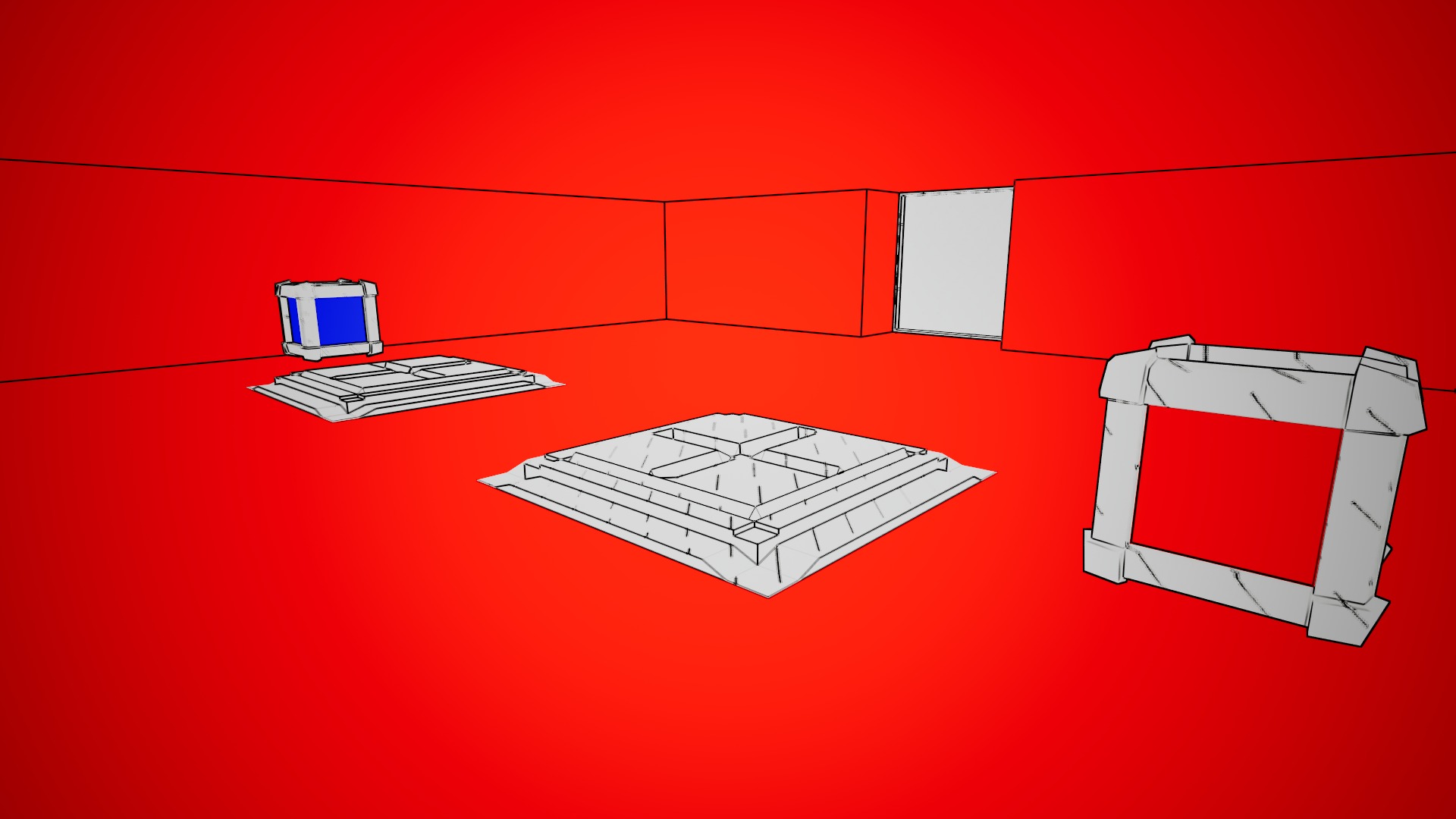
I have had a fantastic weekend taking part in The Global Game Jam 2026, working to produce a game centred around this year’s theme of “mask”

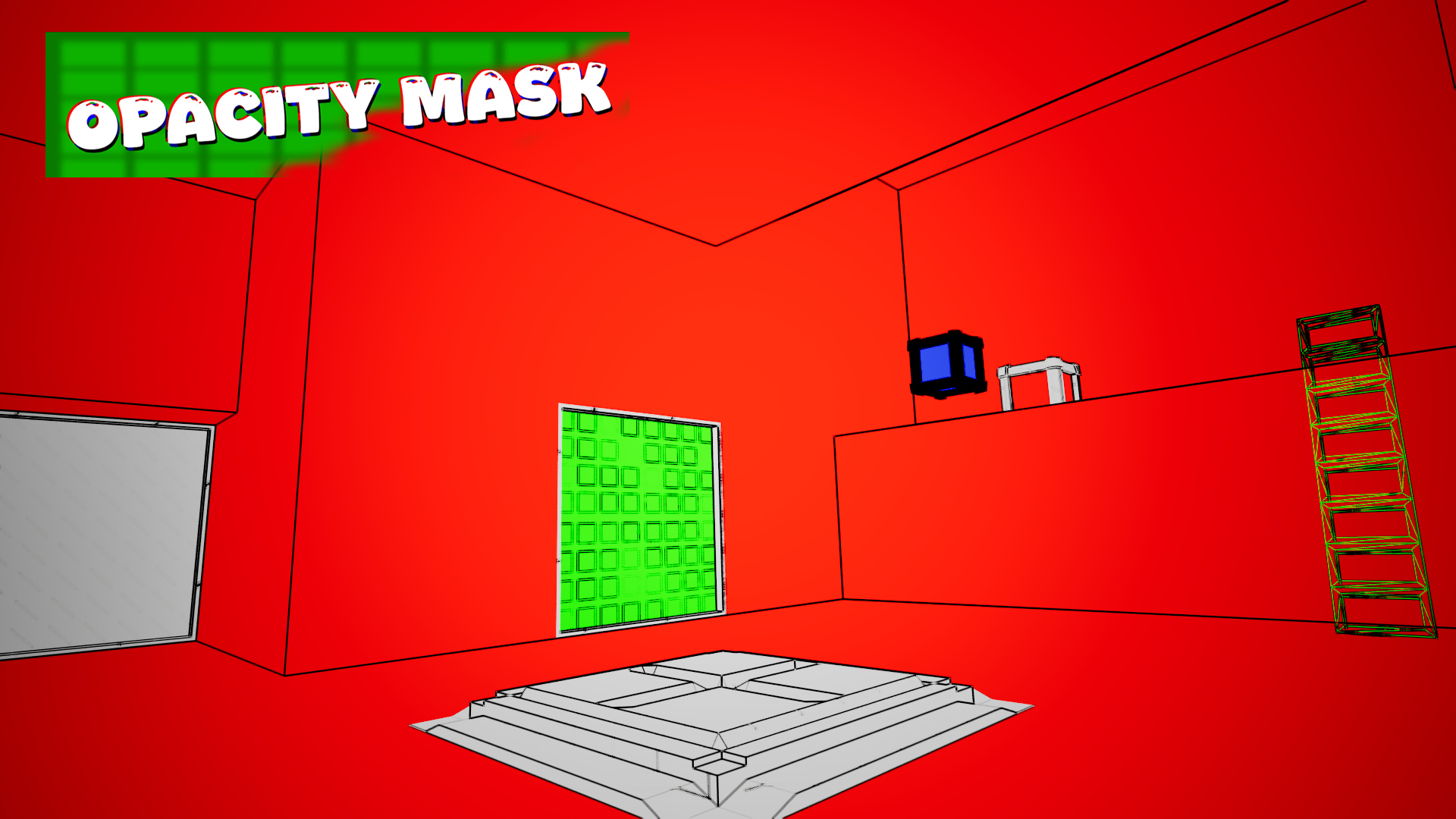
Creating an idea that met the theme while being outside the box was a thought-provoking task. I pitched a mechanic for drawing opacity masks onto meshes to solve puzzles.

It was a privilege to work with Ryan who created the 3D assets, 2D signage and created most of the puzzle levels.

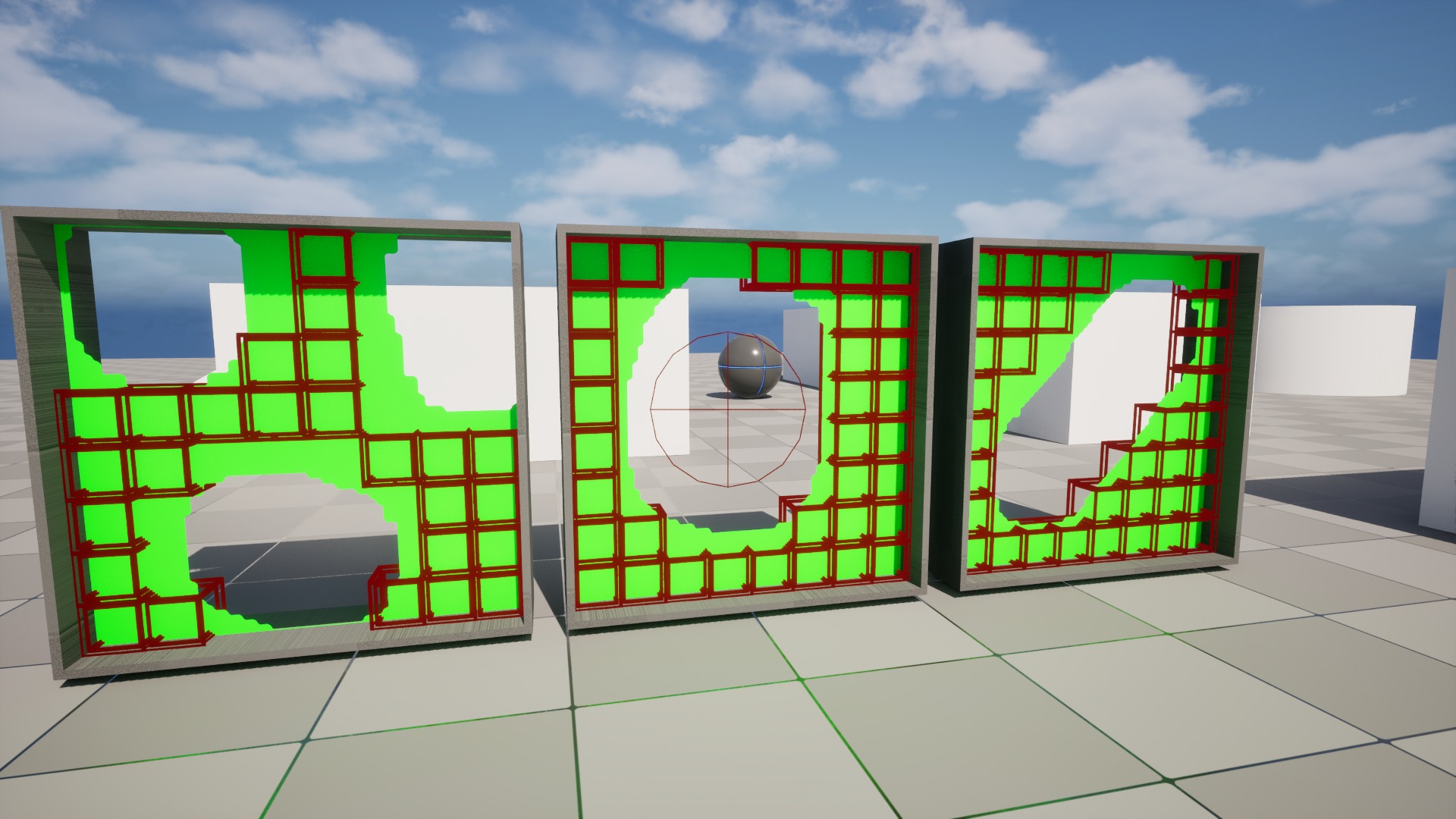
I am incredibly pleased with the project outcome and impressed by the mask collision system which uses voxels to approximate a collision mesh in the shape of the masked material.

See the Global Game Jam page here: https://globalgamejam.org/games/2026/opacity-mask-9

My Contributions:
Development Overview

Discovery & Concept
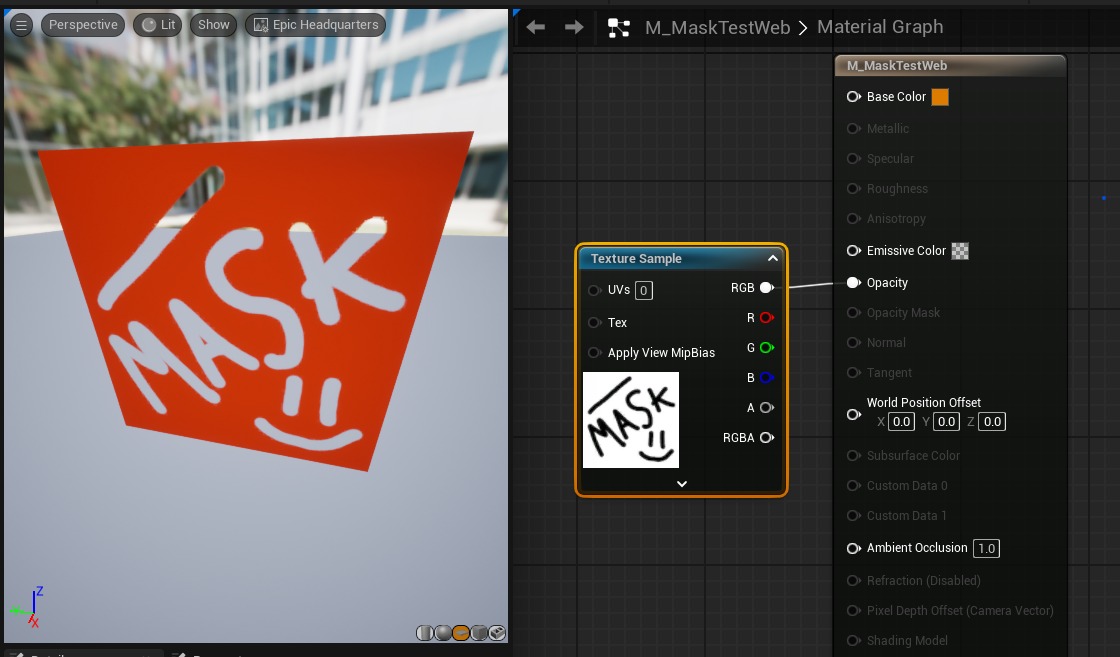
This project was developed for the 2026 Global Game Jam which had the theme of “Mask”. In addition to the theme, the Global Game Jam allows for up to four diversifiers to be incorporated into the game. My main focus was creating an idea that fit the theme while being as outside of the box as possible. An early thought was looking at “mask” through a technical perspective of masking in Photoshop or texture masking. This thought progressed into opacity masks which are greyscale images used to control an objects transparency in a game engine. From there, the idea formed into the player painting their own opacity masks that can allow them to walk through walls and paint objects in and out of existence.

Painting onto a texture mask in Unreal Engine is quite simple, however, adjusting and cutting an objects collision mesh using a texture is impossible. I hypothesised using invisible collision boxes that can have their collisions disabled where the player has painted their opacity mask.

Prototyping Maskable Walls Mechanic

The maskable walls work similarly to how I hypothesised. Firstly, the opacity mask of the material is controlled using a render target which can be drawn on using the draw canvas to render target function. The mask can be painted on or off using the left or right mouse input which draw either a black or white colour onto the render target. To control the collision of the wall, I created an actor with two collision boxes, one box is for overlapping only and the other, smaller box is for player and object collisions. When the box overlaps with a sphere collision component that is attached to the players camera using a spring arm, the collision of the box is disabled. (and, for debug, the visibility) To only change the collision box state when the player is painting, the sphere collision collisions are disabled and only re-enabled during painting. To control enabling collision on the boxes, a second sphere collision is used and only activated when painting in the mask.

Developing Mask Collisions Mechanic

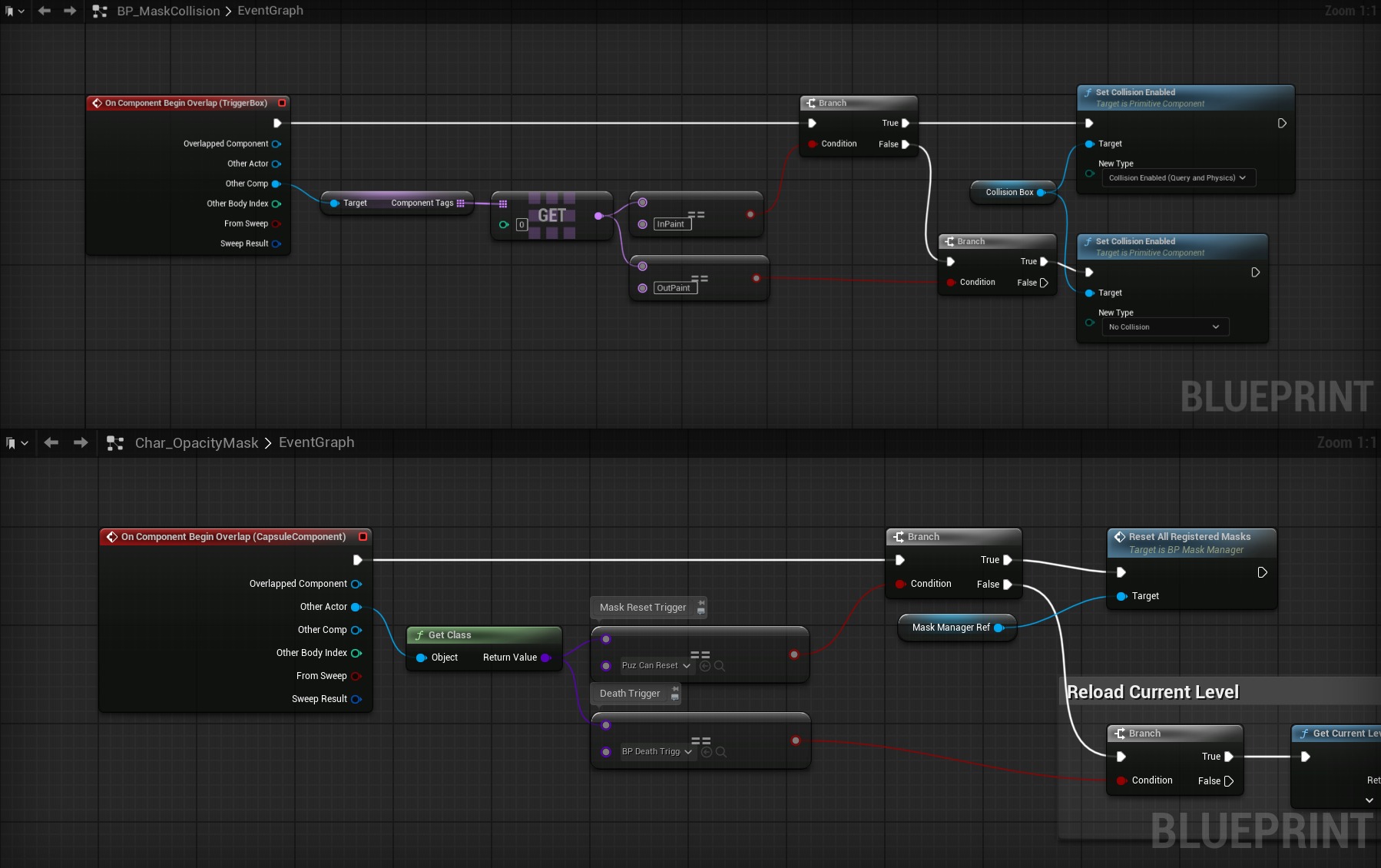
During the development of the game, two collision spheres used to paint the collision were changed to use one. To differentiate between the paint states using only one component component tags were used. When the collision boxes overlap any component with the tag “InPaint” collision is enabled. Conversely when they overlap any component with the tag “OutPaint” collision is disabled. This new system was created to allow any component to control the paint collision state, this is a crucial point to make the mask reset triggers work. When the player passes through a paint reset trigger, the player character picks up the overlap and triggers the reset function on the mask manager. I have moved the collision check onto the player character instead of the mask reset trigger to eliminate as meany casts as possible. The mask manager has an array of references of all actors that inherit from the paintable class. For each of these, the paintable render target is reset back it’s default black or white colour and the collision is reset using a collision box that encompasses the paintable collision boxes. This collision box has an “InPaint” tag and enables collision temporarily to reset the collision boxes.

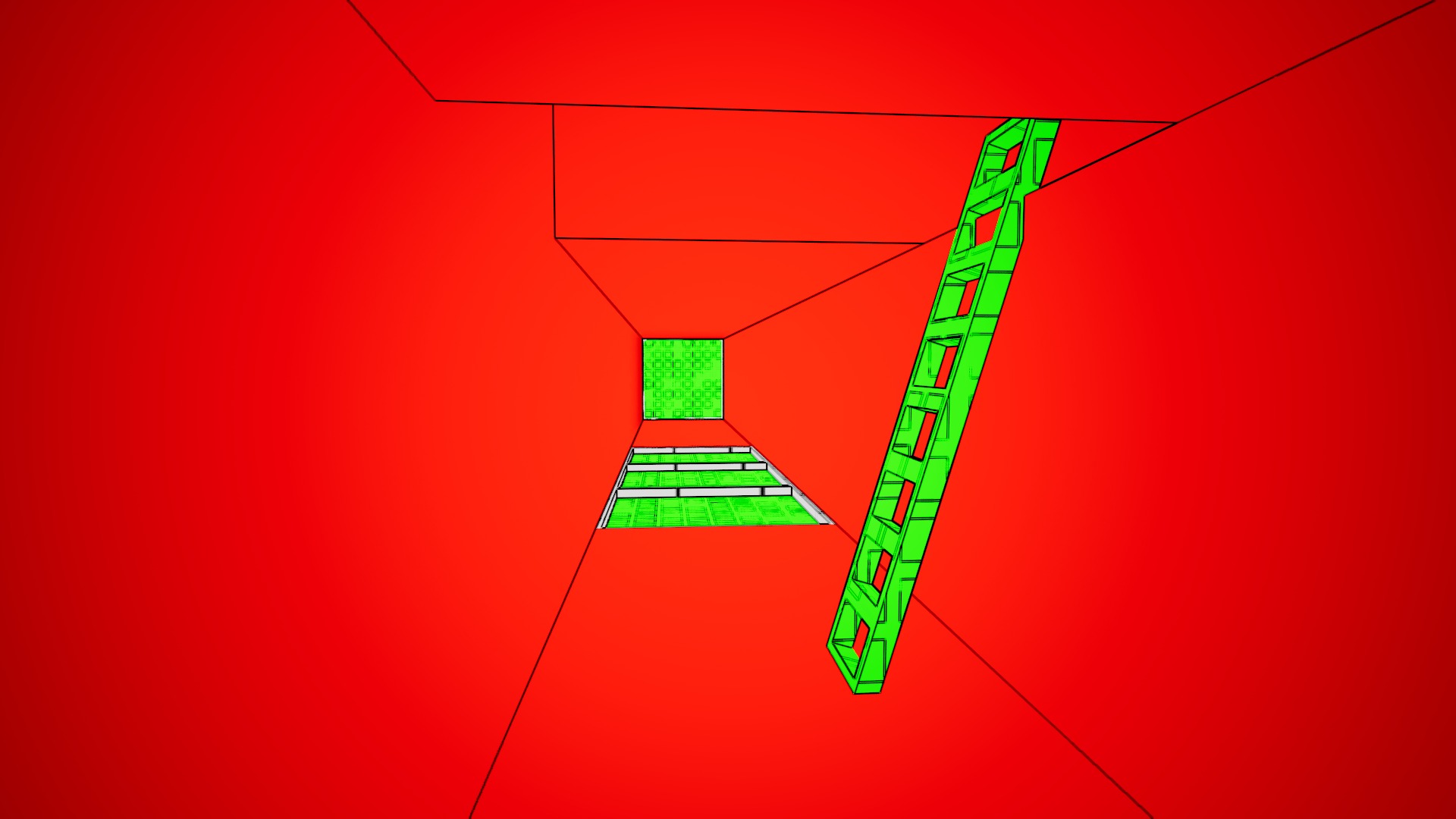
Players of the game found the opacity mask painting to be a fun and unique perspective on the game jam theme. Most of the players found amusement in panting masks under physics objects and watching them fall through. Later in development, we expanded the paintable function onto ladders which players thought was a fun addition that breaks up the mechanic of solely painting walls.